
Viral Cartoon Video Creator AI: What's Inside, How It Works, and Who It Actually Fits
You open an AI video tool, see an empty prompt box, and freeze. You type something vague, burn a few credits, and get a clip that looks nothing like what you pictured. Do that five times and the afternoon is gone with nothing to post.
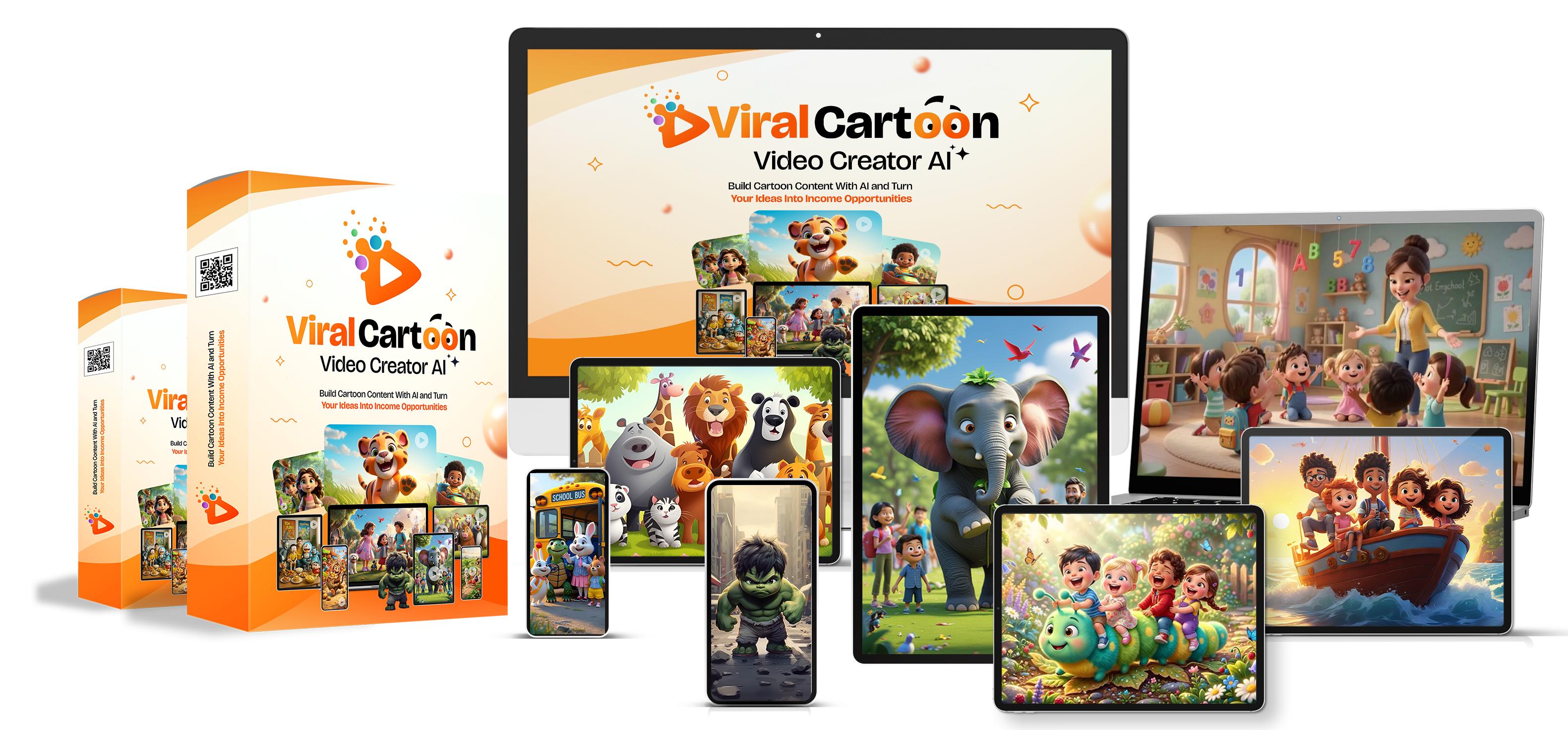
That frustration is the exact problem Viral Cartoon Video Creator AI is built around. It is not a video editor or an animation app. It is a library of ready-written prompts you paste into the AI video generator you already use. This guide walks through what the package contains, how the workflow runs, and what the sales page doesn't tell you about platform rules, kids' content, and realistic expectations.
Disclosure: this post may contain affiliate links. If you buy through them, this site may earn a commission at no extra cost to you. The details below come from the official product page, and the product link is at the end.
Key Takeaways
- It is a prompt library, not software. You still need an AI video generator.
- The vendor lists 324 prompts across 17 cartoon niches, from funny animals to bedtime stories.
- It includes private label rights (PLR), so you can rebrand and resell the prompts.
- YouTube pays for AI-assisted videos only when they carry real originality. Template-style uploads at scale are the risk.
- Videos aimed at children trigger "Made for Kids" rules, which change how you can earn.
- The vendor offers a 30-day refund and calls it a one-time purchase. Results vary, and none are guaranteed.
What Is Viral Cartoon Video Creator AI?
Think of it as a content playbook in prompt form. Each prompt describes a full cartoon concept: the characters, the scenes, the visual style, and a hook for the opening seconds. You copy one, paste it into an AI video generator, and the generator produces the clips.
That distinction matters, and the product name can blur it. Nothing here renders video by itself. If you expect a one-click app, you will be disappointed. If you want to stop guessing what to type, that is where the value sits.
The package is sold with Private Label Rights. In plain terms, you can edit the prompts, put your own name on the bundle, and sell it as your own product. Many PLR products never leave a hard drive, so it helps to know why you would use it before you buy.
Watch a sample from the official demo
What's Inside the Library
| Item | What the vendor says |
|---|---|
| Prompts | 324 premium AI prompts |
| Niches | 17 cartoon categories |
| Each prompt covers | Story angle, characters, scenes, visuals, hooks |
| License | Full Private Label Rights |
| Payment | One-time, no subscription |
| Refund | 30 days |
| Platforms | YouTube, YouTube Shorts, TikTok, Instagram Reels, Facebook Reels |
The niches
The categories cover a wide range of styles, which helps if you want to test a few before committing to one channel:
- Funny animal cartoons (the largest set, at 30 prompts)
- Dinosaur adventures, superhero cartoons, educational cartoons, and moral stories (25 prompts each)
- Fairy tales, fantasy adventures, and talking animal stories (20 prompts each)
- Pirate adventures, space adventures, robots and AI characters, family comedy, school-life stories, bedtime stories, and holiday cartoons (15 prompts each)
- Mystery and detective stories
Educational cartoons and bedtime stories stand out as useful for parents' and teachers' audiences. Mystery and school-life stories lean toward older kids and family viewers, which matters for the kids' content rules covered below.
Four Sample Videos Made With These Prompts
The vendor publishes demo clips for each niche. Here are four of them so you can judge the visual style before spending anything. Quality will also depend on which generator you use.
How the Workflow Runs: Prompt to Published Video
The process has three stages, and none of them require filming or editing experience.
- Pick a niche and copy a prompt. Choose one category and stay with it for a while. A channel with a clear theme gives viewers a reason to come back.
- Paste it into your AI video generator. The tool produces scenes, characters, visuals, and animation. Depending on the generator, it may add voice and sound as well.
- Merge, export, and publish. AI generators usually output short clips, so you stitch several scenes into one video, then post it to your platform of choice.
Which AI video tools work with it
The vendor lists Sora, Veo, Kling, Pika Labs, Luma Dream Machine, and Meta's AI tools as compatible. Because the prompts are plain text, they should work in most text-to-video tools, though output quality varies from one generator to the next.
Five Ways People Use Cartoon Video Content
The sales page frames the library around five uses. Here is each one with a realistic look at what it takes:
| Use | What it means | What to watch |
|---|---|---|
| Platform ad payouts | Earn from ads and creator programs on YouTube, TikTok, Instagram, and Facebook | Each program has its own eligibility thresholds and content rules |
| Shorts and Reels | Post the same cut natively on several vertical-video platforms | Reposting identical clips can limit reach on some platforms |
| Client work | Sell done-for-you cartoon videos to parents, teachers, and small brands | You need to find clients and set clear revision limits |
| PLR resale | Rebrand the prompt library and sell it as your product | Other buyers hold the same prompts, so your packaging and audience matter |
| Channel flipping | Grow a themed channel, then sell it | Buyers look at traffic quality and policy history, not just subscriber counts |
What Private Label Rights Cover
According to the vendor, the license lets you:
- Rename the package and add your own branding
- Edit the prompts to suit your style
- Bundle them into products, memberships, or client offers
- Use them across client work, courses, and your own channels
- Keep all revenue from your own sales, with no royalties
Read the full terms on the product page before you plan a resale business. PLR products are sold to many buyers, so the same prompts may exist elsewhere. Resellers who do well tend to add something of their own, such as a niche focus, a video walkthrough, or a bonus checklist.
What Most Reviews Skip: Platform Rules You Need to Know
Cartoon channels built on AI have grown fast, and the platforms have responded. Understanding the rules before you start can save you months of work.
YouTube's "inauthentic content" policy
YouTube renamed its repetitious content rule to "inauthentic content" in July 2025. In July 2026 it clarified the guidance further. The platform has said it is not banning AI-made video. The target is generic, template-based uploads with little variation between videos, which can lose access to monetization.
Here is the practical takeaway for anyone using a prompt library. If every video you post follows the same script shape with swapped characters, that can read as templated. Videos that show real creative input hold up better. Examples include a recurring character with a personality, original stories, your own voice work, and clear editing choices.
"Made for Kids" and COPPA
Cartoons attract children, and that has legal weight in the United States. Under the Children's Online Privacy Protection Act (COPPA), YouTube asks creators to label content as made for kids or not. A made-for-kids label turns off personalized ads, comments, and several other features, so only contextual ads can run. The label depends on your intended audience and on factors such as animated characters and child-focused themes, not on one checkbox you can pick freely.
If you target nursery-rhyme or toddler audiences, plan for lower ad earnings per view than adult-targeted channels. Revenue from other sources, such as client work, can offset that. Read YouTube's own guidance on audience settings before you publish.
Disclosing AI use
YouTube asks creators to disclose realistic content that is altered or synthetic. Stylized cartoons are less likely to be mistaken for real footage, but rules change. Check the disclosure options in YouTube Studio each time you upload, and apply the same habit on TikTok, Instagram, and Facebook.
Who This Fits and Who Should Skip It
A good match if you:
- Already pay for or can access an AI video generator
- Want a structured starting point instead of writing prompts from scratch
- Plan to build a niche channel or offer cartoon videos as a service
- Are comfortable adding your own creative touches to each video
Probably not for you if you:
- Expect software that makes the video for you
- Want advanced animation training or filmmaking lessons
- Prefer to write every script yourself
- Hope to earn quickly without regular posting and testing
Common Mistakes to Avoid
- Posting raw output. Add your own title, voice, pacing, or story twist to every video.
- Jumping between niches. A channel that mixes pirates, bedtime stories, and robots gives the algorithm no clear audience.
- Ignoring the kids' content label. Mislabeling can create legal and revenue problems.
- Wasting credits on retries. Test a prompt on one short scene first, then generate the rest once the look is right.
- Counting on earnings math from sales pages. Per-view payout figures vary widely by audience, country, and format.
- Reselling without differentiation. Add a bonus, a niche, or a guide so your offer stands apart from other PLR sellers.
A 30-Day Starter Plan
| Week | Focus | Goal |
|---|---|---|
| 1 | Test three prompts from two niches in your chosen generator | Find the style and niche that suit you |
| 2 | Pick one niche and create a recurring character or setting | Make videos feel like a series |
| 3 | Publish a short batch, tracking watch time and replays | Learn what holds attention |
| 4 | Review results and adjust hooks and endings | Decide whether to scale, change niche, or add a service offer |
Advanced tip: edit the prompt, not just the output
Once you know which prompts perform, rewrite them. Change the setting, shift the tone, or add a recurring catchphrase. That one habit turns a shared library into something recognizably yours.
Pricing and Refund Terms
The vendor describes a one-time purchase with no recurring fees and a 30-day refund policy. The price on the sales page has changed over time, so check the current figure on the official page. The refund window gives you a month to test a few prompts, run them through your generator, and decide whether the library suits your workflow.
The Verdict: Strengths and Limits
| Strengths | Limits |
|---|---|
| Organized by niche, so you aren't starting blank | Doesn't generate video itself |
| Large set of prompts across many styles | You may need paid credits in your chosen generator |
| PLR license opens a resale option | Shared prompts mean you must add your own angle |
| One-time payment with a 30-day refund | Platform policy risk if you post templated content at volume |
It is best seen as a time-saver for people who already plan to make AI cartoon videos. It won't replace creative effort or guarantee income.
Frequently Asked Questions
Is Viral Cartoon Video Creator AI software?
No. It is a library of text prompts. You paste them into an AI video generator of your choice, and that tool creates the video.
Do I need video editing experience?
The vendor says no. You will still merge short generated clips into a finished video, which basic editing apps can handle.
Which AI video generators can I use?
The vendor lists Sora, Veo, Kling, Pika Labs, Luma Dream Machine, and Meta's AI tools. Any text-to-video generator should accept the prompts, though results differ.
Can I really resell the prompts?
The package includes private label rights, which allow rebranding and resale. Read the terms on the product page for the exact scope before building a business on it.
Will YouTube monetize AI cartoon videos?
It can, provided the videos show real originality. YouTube has said AI use alone doesn't disqualify a channel, but templated, mass-produced uploads can lose eligibility. Videos aimed at children also carry the made-for-kids restrictions.
How much can I earn?
Nobody can promise a figure. Earnings depend on niche, audience, posting consistency, platform rules, and effort. The vendor's own FAQ says outcomes vary.
What if it isn't a fit?
The vendor offers a 30-day refund. Contact their support within that window to request it.
Summary
Viral Cartoon Video Creator AI gives you a structured set of 324 prompts across 17 cartoon niches, plus the right to rebrand and resell them. It removes the blank-box problem, but not the work of editing, publishing, and building something original on top. Pair it with a clear niche, your own creative touches, and a careful read of platform rules, and it can speed up a cartoon channel or a client service. Use the 30-day refund window to test it with a few real prompts before committing.
Ready to Look at the Full Library?
See every niche, the sample videos, and the current price on the official page.
View Viral Cartoon Video Creator AI
30-day refund policy. Results vary and are not guaranteed.
Earnings disclaimer: any income figures or view counts mentioned by product sellers are examples, not promises. Your results depend on your effort, niche, audience, and platform policies.
Post a Comment